▶ Video coming soon
Get started: plug in and open the gallery
How to plug in your LocalPic stick and open the photo gallery on Windows, Mac, or Linux — no cloud account required.
Short, plain-language videos for opening the stick, adding photos, and ordering prints. No jargon — just the steps.
How to plug in your LocalPic stick and open the photo gallery on Windows, Mac, or Linux — no cloud account required.
Copy pictures from your computer onto the stick so they stay with you — not locked in someone else’s cloud.
Pick the shots you love and finish checkout on localpic.net with a secure payment page.
For adult kids and helpers: load photos once so a parent or grandparent only needs to double-click.
.mp4 to assets/videos/ on the server (SFTP), or upload to YouTube.data/how-to-videos.json — set file (filename only) or youtube_id.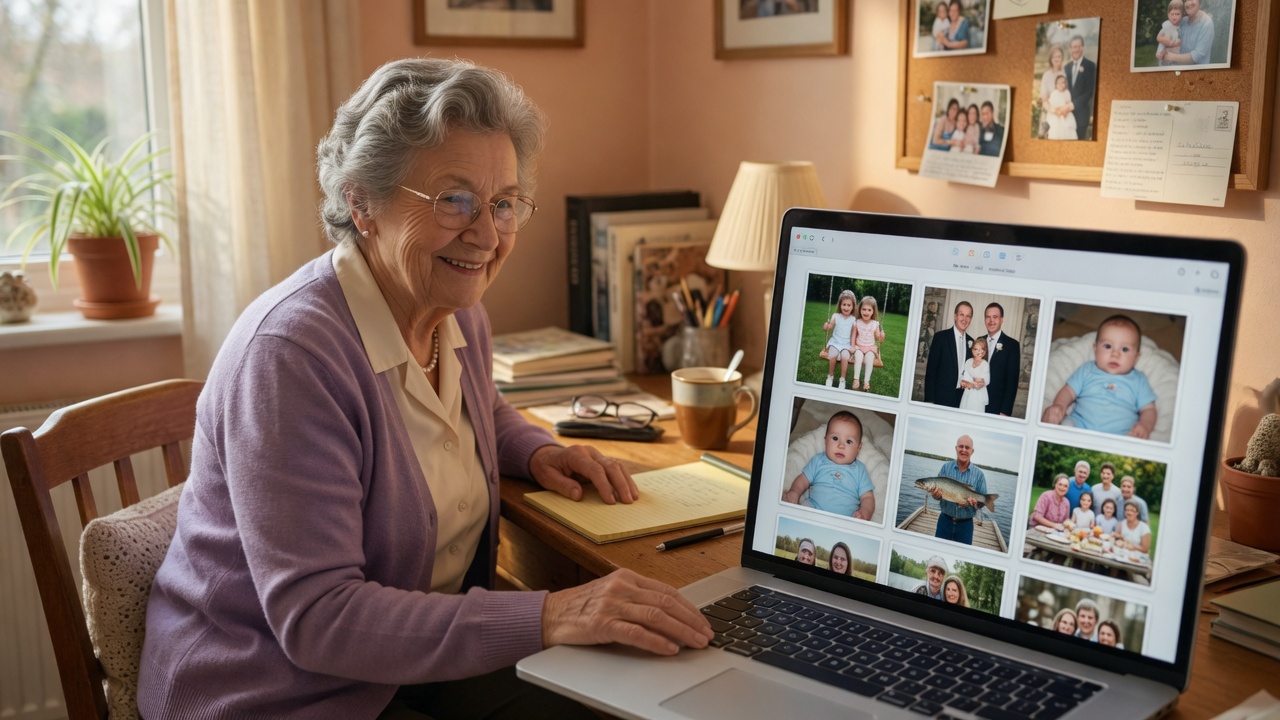
Each stick also includes on-screen help. These videos are for when you want to see the clicks before you try them — or walk a relative through setup over the phone.
Still stuck? Email hello@localpic.net .